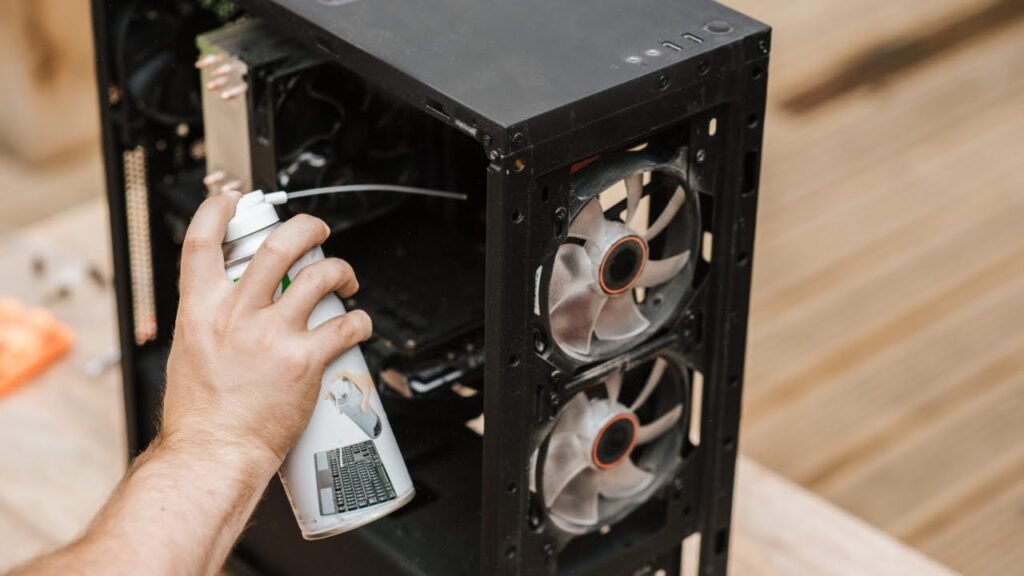
Many performance issues in desktops are caused by internal dust accumulation. Over time, dust blocks airflow and causes heat buildup.
1. Overheating & Fan Noise
If fans run loudly or the system shuts down randomly, overheating may be the cause. Dust can clog cooling fans and heat sinks.
2. Reduced Performance
When temperatures rise, processors automatically reduce performance to prevent damage. This can make the system feel slow.
3. Increased Hardware Risk
Excessive heat stresses components like the power supply and motherboard. Regular cleaning helps extend hardware lifespan.
How Often Should Cleaning Be Done?
For most environments, internal cleaning once every 6–12 months is recommended. Offices or dusty areas may require more frequent maintenance.
Preventive maintenance is far more affordable than replacing damaged components.