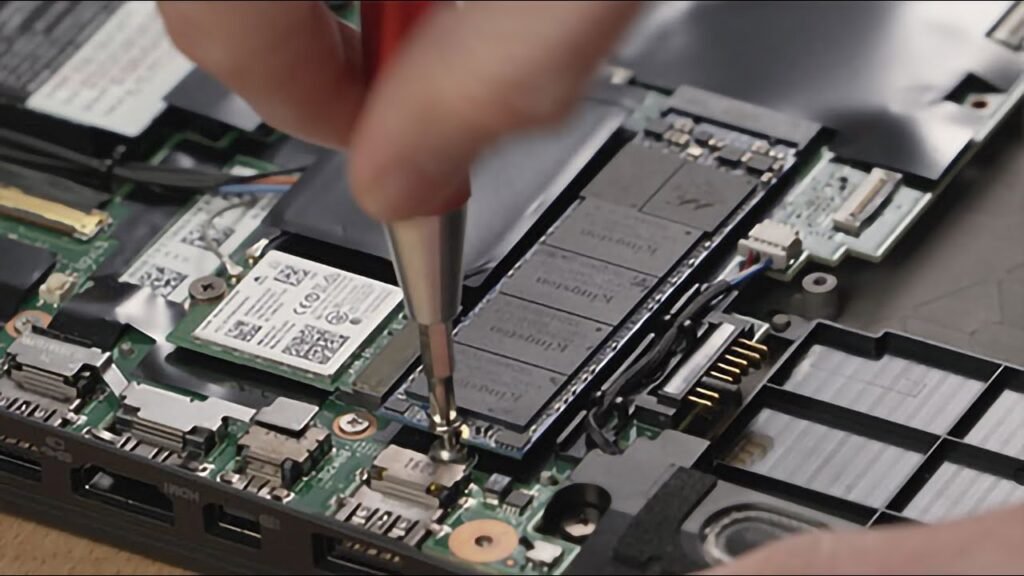
If your computer feels slow but is otherwise functional, upgrading to an SSD (Solid-State Drive) is one of the most effective improvements you can make.
What Makes SSD Different?
Traditional hard drives use spinning disks to read and write data. SSDs use flash memory, which allows much faster access speeds and no mechanical parts.
Key Benefits of SSD Upgrade
- Faster Startup
Systems that previously took minutes to boot can start within seconds. - Quicker Application Loading
Programs open almost instantly, improving workflow efficiency. - Better Multitasking
With faster read/write speeds, switching between tasks becomes smoother. - Reduced Noise & Heat
Since SSDs have no moving parts, they operate silently and generate less heat.
Is It Worth It?
For most users, yes. Even older desktops and laptops can feel significantly faster after upgrading to an SSD. It’s a cost-effective way to extend a system’s lifespan without replacing the entire machine.