Buying a desktop computer isn’t just about picking the most powerful system available. The right choice depends on how you plan to use it, your budget, and your future upgrade expectations. Understanding your requirements first can help you avoid overspending or underperforming hardware.
1. Identify Your Primary Usage
Before comparing specifications, ask yourself:
- Is this for office work and browsing?
- Is it mainly for gaming?
- Do you need it for video editing, design, or 3D work?
- Is it for home, school, or business use?
Your usage determines the processor, memory, graphics capability, and storage you need.
2. Everyday & Office Use
For basic tasks like browsing, MS Office, online meetings, and streaming, a mid-range processor with 8GB to 16GB RAM and SSD storage is usually sufficient. SSD storage significantly improves boot speed and overall responsiveness compared to traditional hard drives.
There’s no need to invest in high-end graphics if the system is used only for productivity.
3. Gaming Desktops
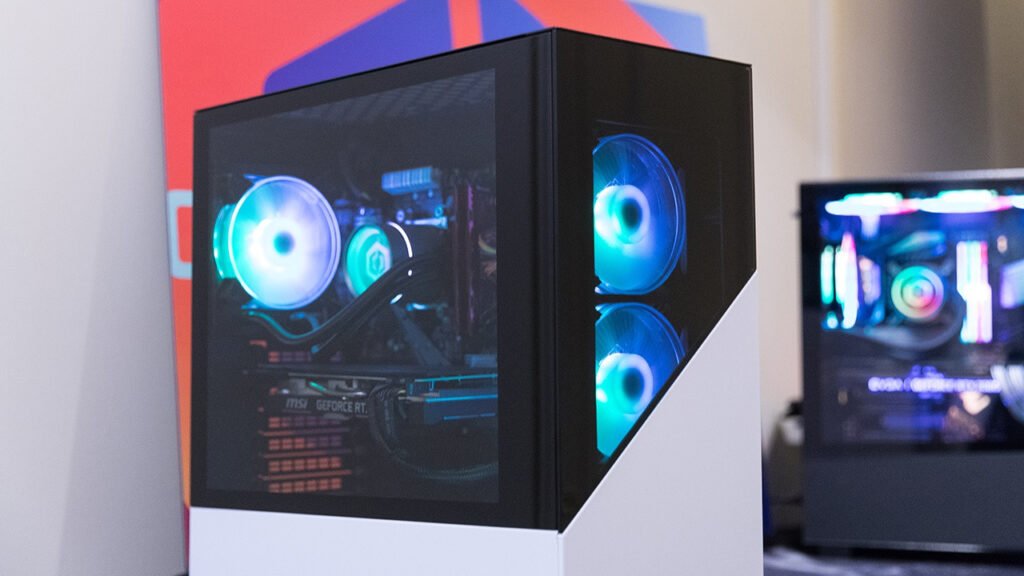
Gaming requires both a capable CPU and a dedicated graphics card. The GPU plays a crucial role in delivering smooth frame rates and visual quality.
Key components to prioritize:
- Dedicated graphics card
- 16GB or more RAM
- High-speed SSD
- Proper cooling and airflow
Gaming systems should also allow future upgrades, especially for GPU and RAM.
4. Creative & Professional Workstations
Video editing, graphic design, and rendering software rely heavily on multi-core processors and higher RAM capacity.
Professionals should look for:
- Powerful multi-core CPU
- 16GB–32GB RAM
- Dedicated GPU (depending on software)
- Large and fast storage
A custom-built system is often more cost-effective for these needs.
5. Prebuilt vs Custom Desktop
Prebuilt desktops are convenient and ready to use. They are ideal for users who want a tested configuration without customization.
Custom-built PCs offer flexibility. You can choose each component based on your needs and budget. This is especially useful for gamers and professionals.
Choosing the right desktop is about balance — performance, budget, and long-term usability.